Top 10 Git Commands Every Developer Must Know in 2025
Git is the backbone of modern software development. Whether you’re a beginner or a seasoned developer, mastering Git commands is crucial for version control, collaboration, and smooth workflows.
In this blog, we’ll cover the top 10 Git commands every developer must know in 2025, along with examples and real-world use cases.
Learn more at Red9Systech Git Mastery Guide.
1. git init
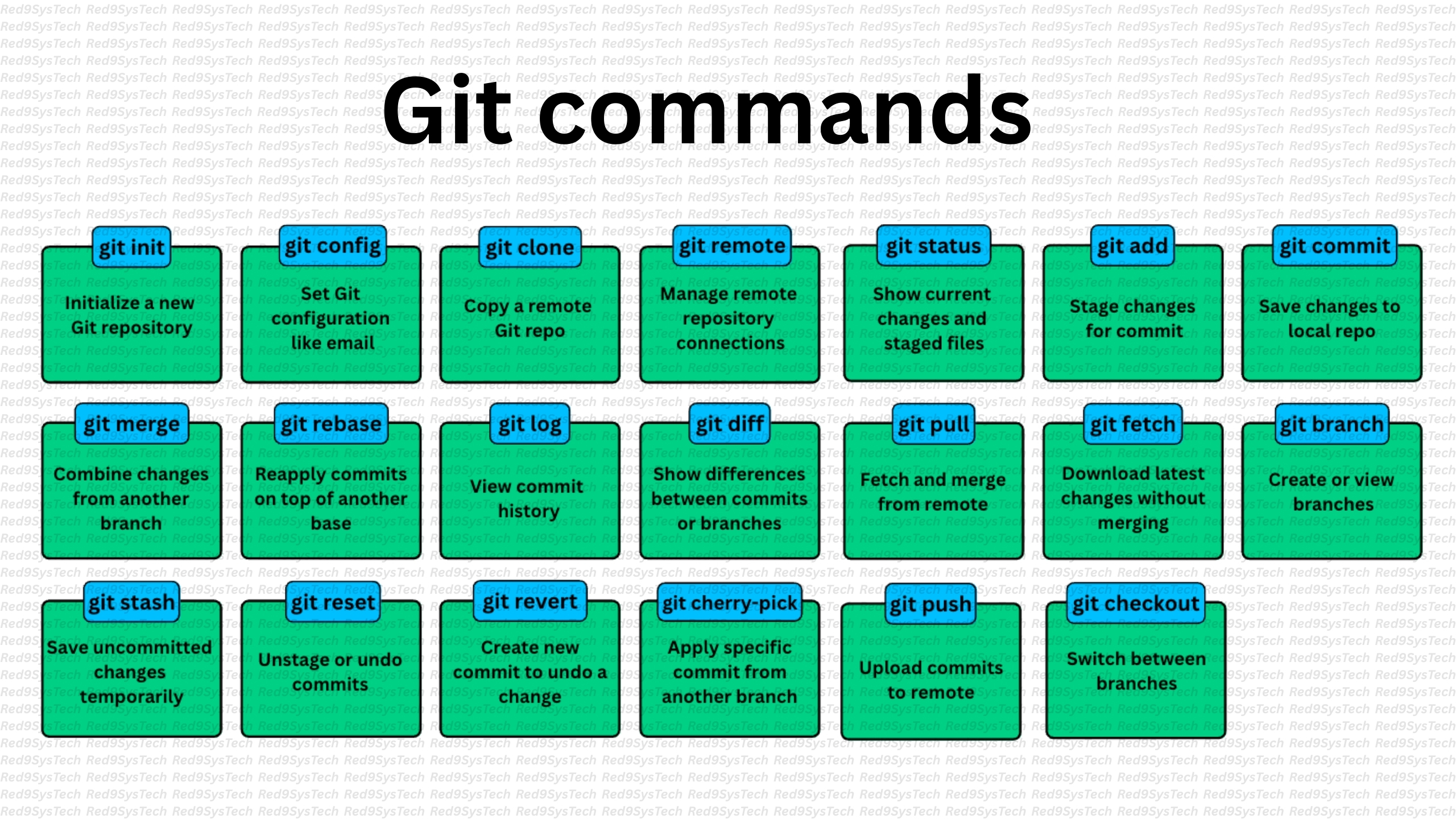
The git init command initializes a new Git repository in your project directory.
Use Case:
When starting a new project and you want to track changes with Git.
Example:
git init2. git clone
The git clone command copies an existing repository into a new directory.
Use Case:
When you want to work on an existing project hosted on GitHub, GitLab, or Bitbucket.
Example:
git clone https://github.com/user/repo.git3. git add
The git add command stages changes for the next commit.
Use Case:
When you’ve modified files and want to include them in your next commit.
Examples:
git add file.txt

git add .
4. git commit
The git commit command saves staged changes with a message.
Use Case:
When you’re ready to record changes in the repository history.
Example:
git commit -m "Added new feature"5. git status
The git status command shows the current state of your working directory and staging area.
Use Case:
Check which files are modified, staged, or untracked before committing.
Example:
git status6. git log
The git log command displays commit history.
Use Case:
View past commits, authors, and timestamps.
Example:
git log --oneline --graph7. git branch
The git branch command manages project branches.
Use Case:
Create, list, or delete branches.
Examples:
git branch new-feature
git branch -d old-feature
8. git checkout
The git checkout command switches branches or restores files.
Use Case:
Move between branches or roll back changes.
Examples:
git checkout main
git checkout -b feature-branch
9. git merge
The git merge command integrates changes from one branch into another.
Use Case:
When finishing a feature and merging it into the main branch.
Example:
git checkout main
git merge feature-branch
10. git push
The git push command uploads local changes to a remote repository.
Use Case:
When you want to share your work with others via GitHub or GitLab.
Example:
git push origin mainBonus Commands for Advanced Developers
While the above 10 commands cover the essentials, here are a few more worth knowing in 2025:
git pull – Fetches and merges changes from a remote repository.
git stash – Temporarily saves changes without committing.
git revert – Creates a new commit that undoes a previous commit.
git reset – Moves the HEAD pointer to a specific commit.
Why These Git Commands Matter in 2025
Collaboration: Teams need efficient version control for distributed work.
DevOps Integration: Git commands power CI/CD pipelines.
Code Security: Git helps track and secure changes with accountability.
Open-Source Growth: Most open-source projects rely on Git workflows.
Common Mistakes Beginners Make
Forgetting
git addbefore commit.Not writing descriptive commit messages.
Accidentally pushing to the wrong branch.
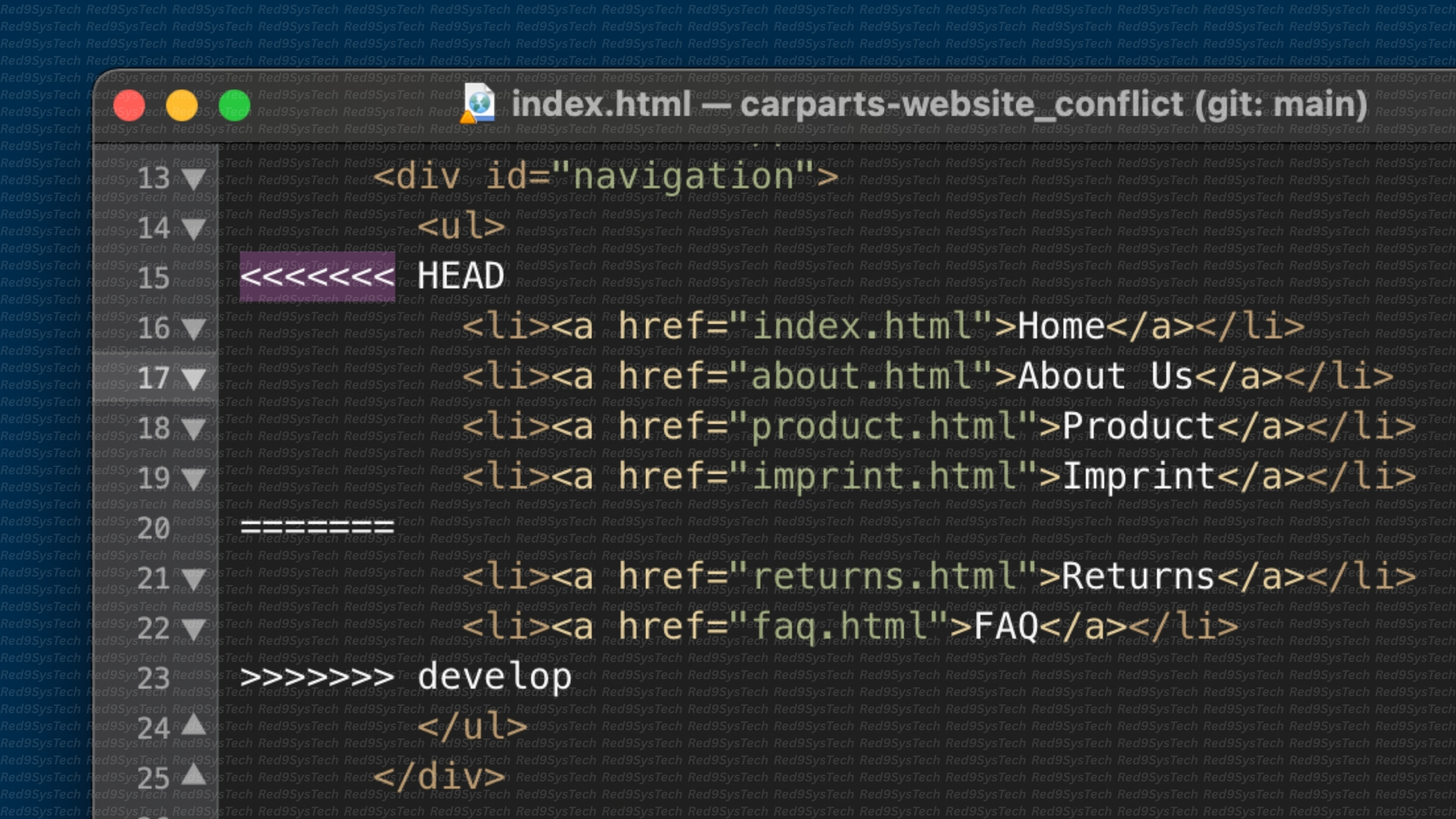
Ignoring merge conflicts instead of resolving them.
Future of Git in 2025 and Beyond
AI-assisted Git Commands: Tools like GitHub Copilot will automate commits and branch management.
Deeper Cloud Integration: Git commands will tie directly into cloud-native development.
Enhanced Security: More focus on signed commits and zero-trust workflows.
Conclusion
Mastering these top 10 Git commands is essential for every developer in 2025.
Beginners need them to get started.
Advanced developers rely on them daily for complex workflows.
Together, they form the foundation of version control, collaboration, and DevOps pipelines.
Start your Git journey today with Red9Systech Git Training.